The Ultimate React Components List: The Complete 2026 Checklist
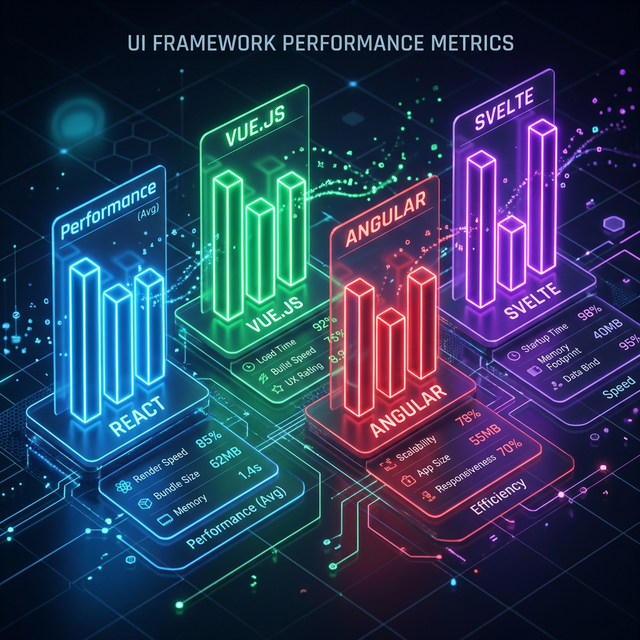
Visualizing the logical grouping and discovery paths for React UI elements.
01. Atoms
Buttons, Inputs, Icons, Badges. The building blocks.
02. Molecules
Form fields, Dropdowns, Tooltips. Interaction patterns.
03. Organisms
Heros, Navigation, Data Tables. Entire sections.
The Roadmap to a Complete UI Kit
1. Navigational Foundations
The first things a user interacts with. Ensure your navigation header is sticky and responsive. Include navigation tabs for complex dashboard routing and action menus for user profiles.
2. Content & Media Hub
How do you present your value proposition? Every project needs a strong hero section, followed by feature explanations and about sections. Don't forget premium cards for displaying products or testimonials.
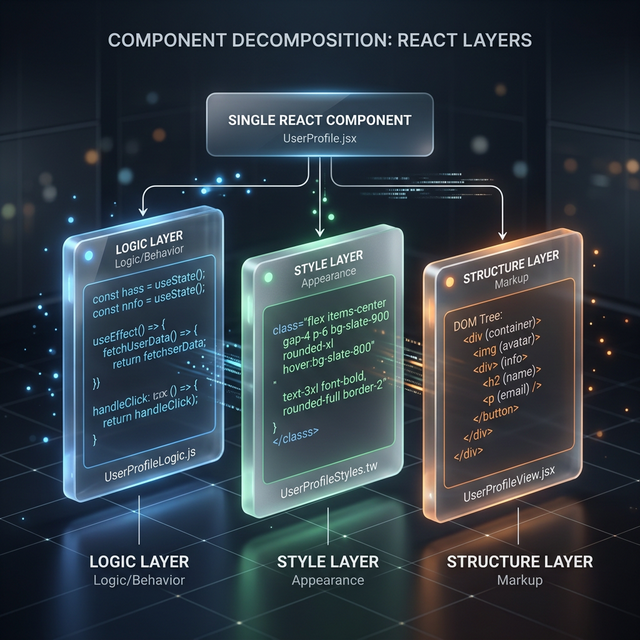
The Complete Kit
Visualizing how atomic parts combine into high-conversion page sections.
3. Data & Interaction Logic
Modern apps are built on data. Your data tables should be sortable and filterable. Use authentication forms for secure entry and input components that handle validation states gracefully.
4. Feedback & Status Systems
Users need to know what's happening. Include alert toasts for success messages and status badges for table data. Use promotional banners for site-wide updates.
5. Trust & Utility Sections
The "Boring" but critical parts. A professional site needs an FAQ section to reduce support load, a comprehensive footer, and standard policy banners for compliance.
Summary: The checklist to save your project
- Header & Navigation: Heros, Tabs, Menus.
- Main Sections: Features, About, Cards.
- Data Handling: Tables, Forms, Inputs.
- Utilities: Footers, FAQs, Cookie Banners.
Frequently Asked Questions
Should I build all these components myself?
Only if you have an infinite budget and time. For most projects, starting with a professional kit and customizing the "Owned Code" (like IndoUI) is the smartest architectural decision.
What is the most important component on this list?
Your hero section. It's the first thing users see and where you convert them from "Visitor" to "User." Make it count.
Explore Related React Components
Accelerate your development with our production-ready, accessible, and highly customizable UI blocks.
Tick Every Box with IndoUI
Stop missing critical pieces. Use IndoUI's complete collection of React component blocks to ensure your project is professionally architected from day one.
Browse the Checklist